Model Style NAB

model 23 of 25

Qwen3.8-Flash-Next-NVFP4-FP8-hybrid

hugging face
nvidia/Qwen3.8-Flash-Next-NVFP4
successes
6 of 6 prompts, last run 2026-10-18
output
726 KB across 30 files
6 prompts
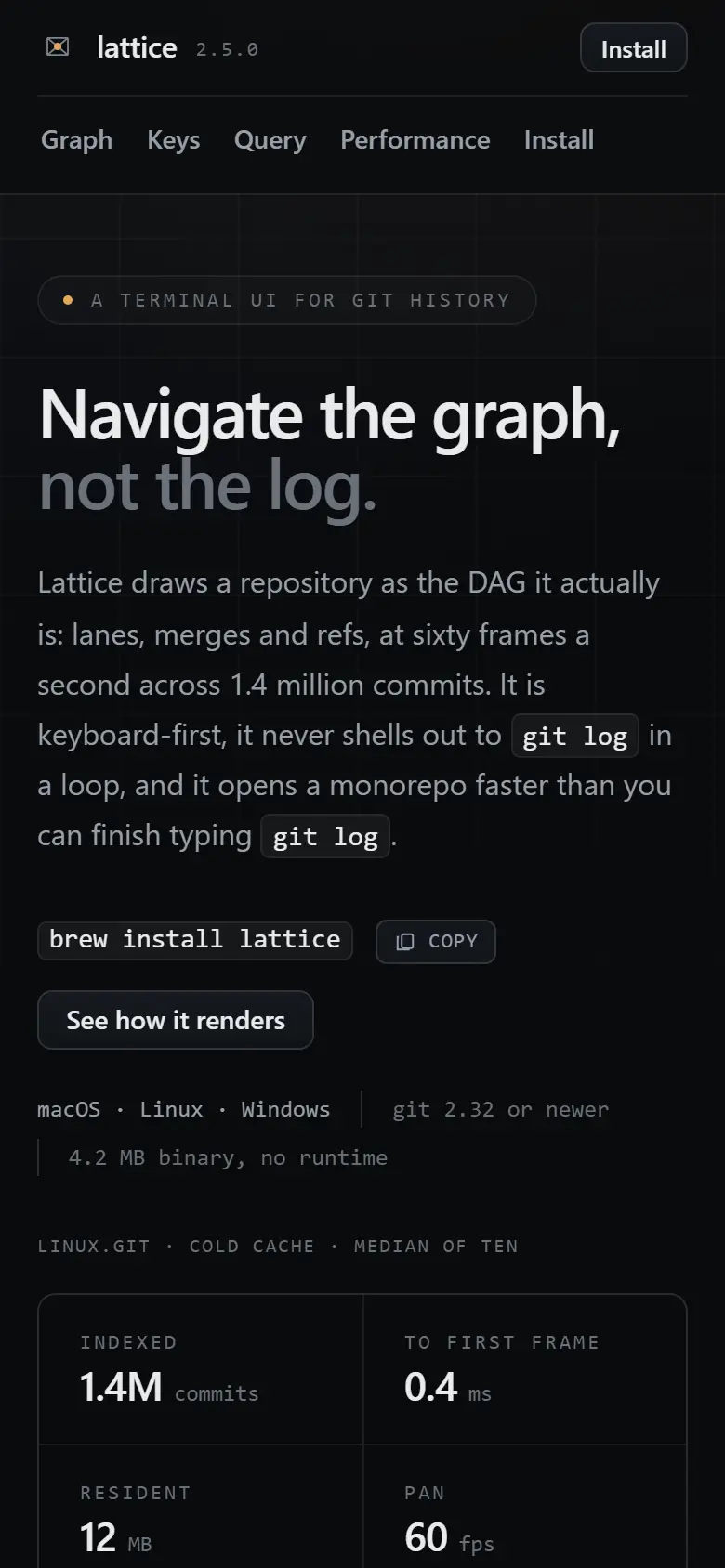
simple-01

Terminal Tool Landing

dark theme discipline, developer-tool aesthetic, code presentation

prompt

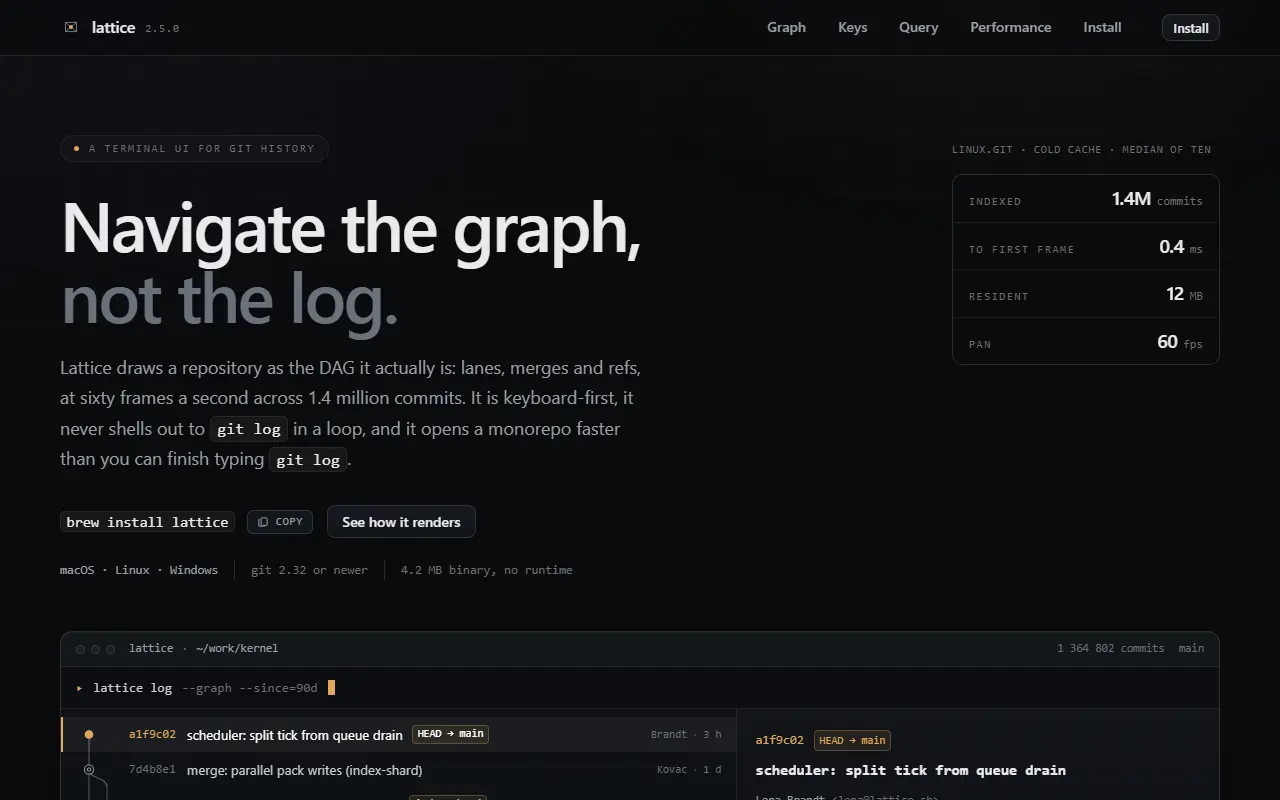
Make a landing page for a fictional command line tool called Lattice that lets you navigate git history. Audience is senior engineers, dark theme, and it should look expensive and quiet rather than gamer-ish. Keep it in one HTML file.

Lattice: navigate git history as a graph at 1280 px wide open the page desktop 1280 px
Lattice: navigate git history as a graph at 390 px wide open the page phone 390 px
68 KB 1 file console clean Lattice: navigate git history as a graph
files in this run
  • index.html
  • TASK.md
simple-02

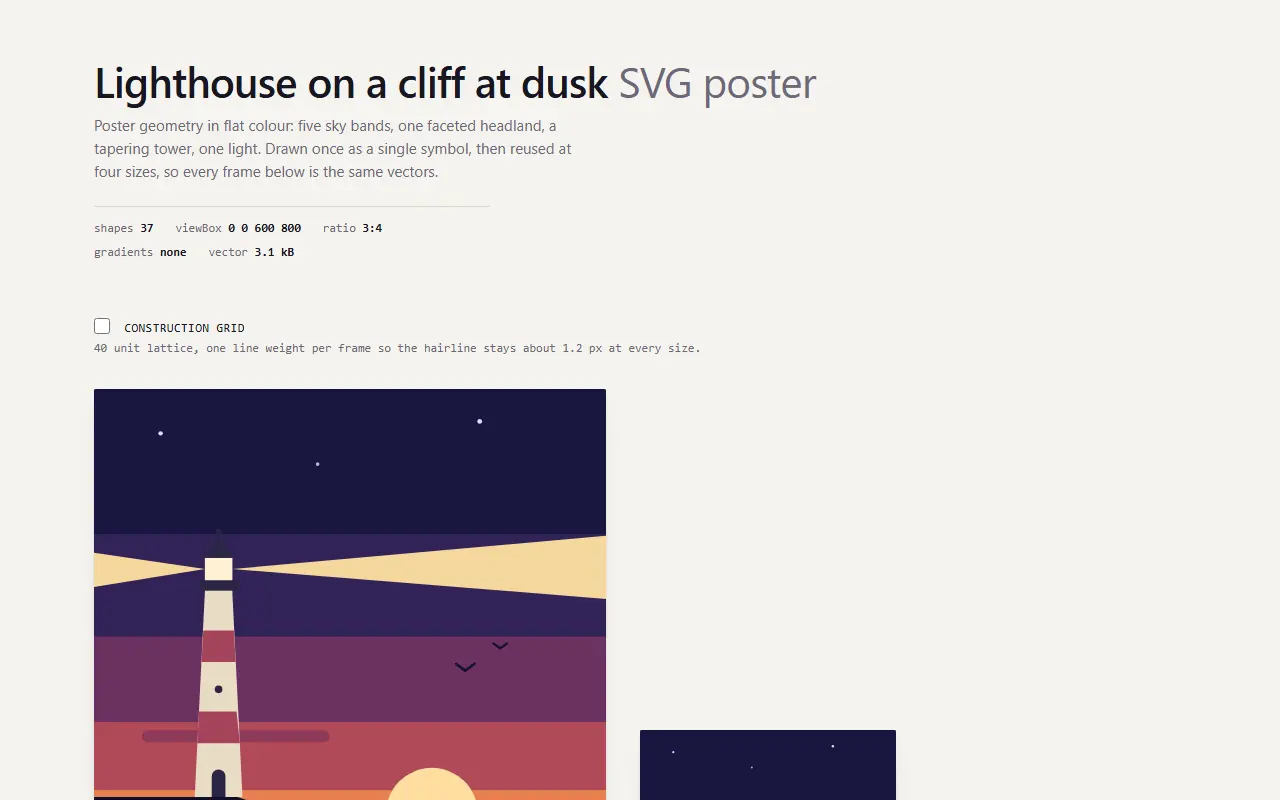
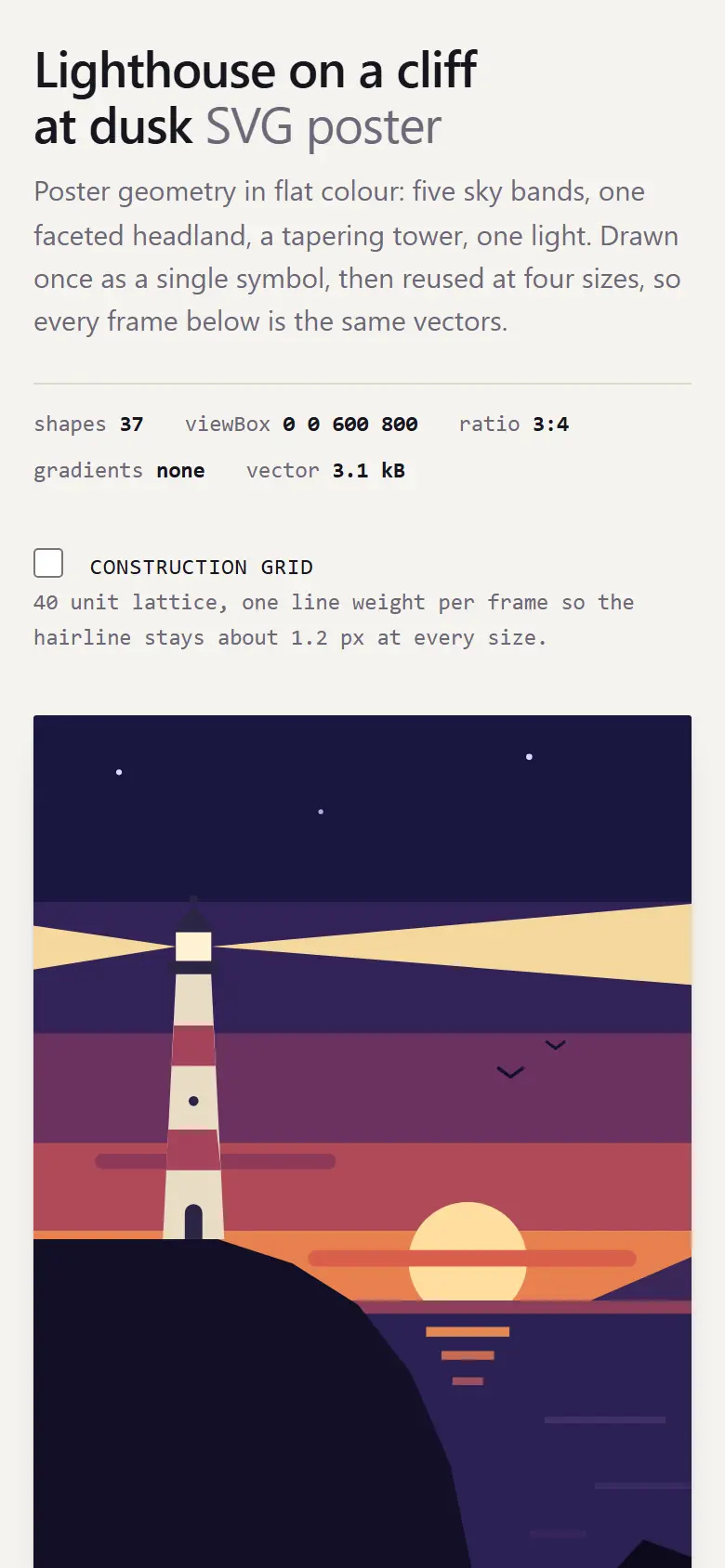
Lighthouse Svg Poster

composition, shape economy, palette control, scalability

prompt

Draw me an SVG illustration of a lighthouse on a cliff at dusk, poster like and geometric, flat colours, maybe forty shapes or fewer. Show it on a page at three or four sizes so I can see whether it still holds up small.

Lighthouse on a Cliff at Dusk, SVG poster specimen at 1280 px wide open the page desktop 1280 px
Lighthouse on a Cliff at Dusk, SVG poster specimen at 390 px wide open the page phone 390 px
12 KB 1 file console clean Lighthouse on a Cliff at Dusk, SVG poste…
files in this run
  • index.html
  • NOTES.md
  • TASK.md
simple-03

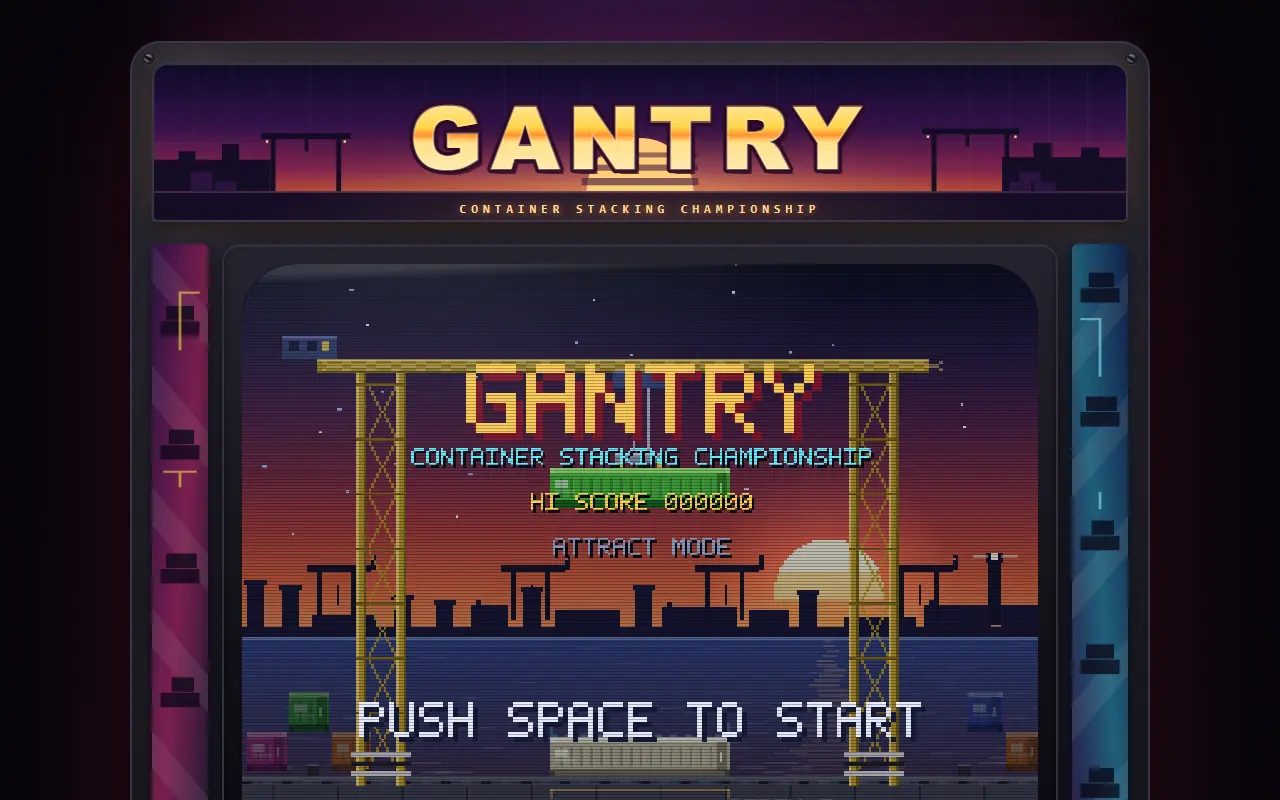
Container Stack Arcade

game loop, state, input handling, arcade art direction

prompt

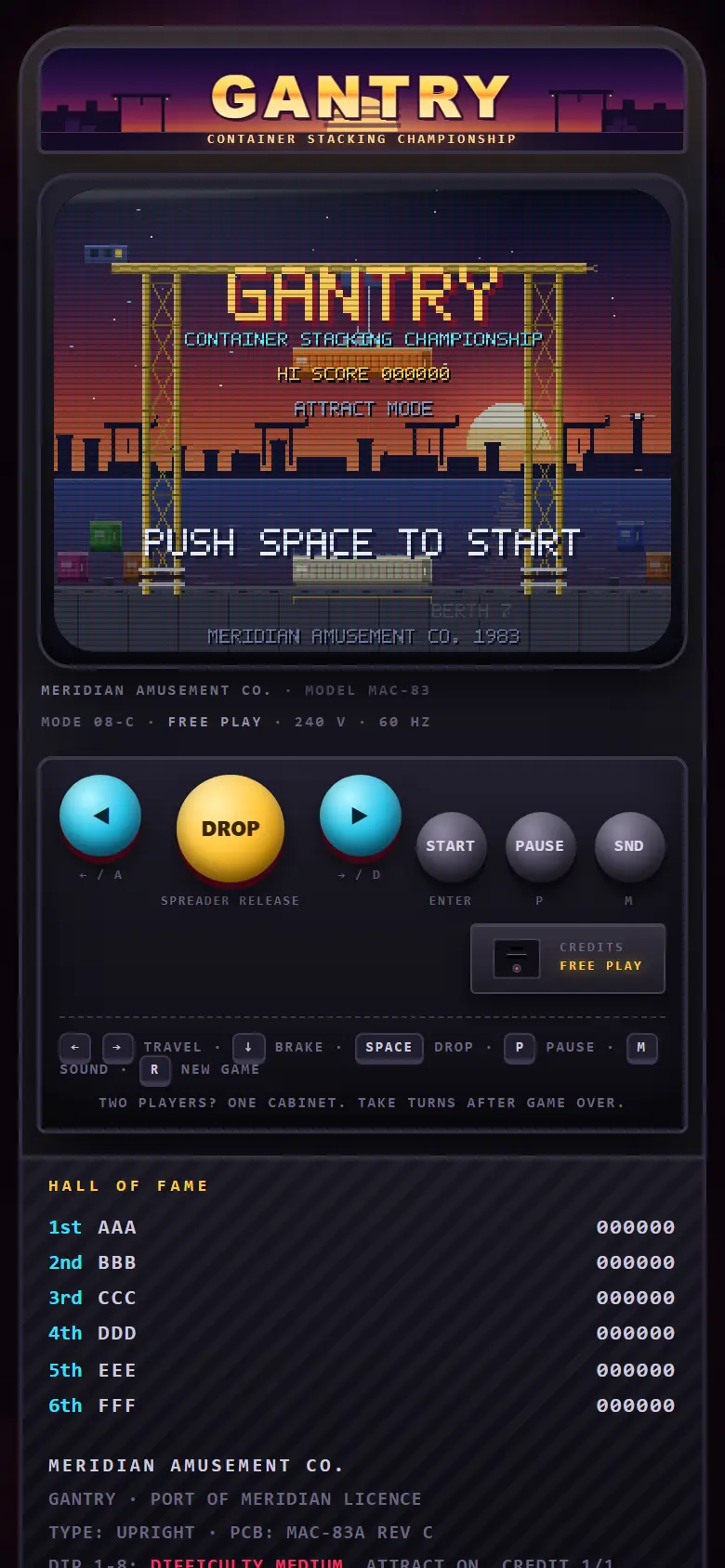
Make a playable browser game where you stack shipping containers in a port, keyboard controlled, with a score and a game over screen. One page, and please make it look like a nice old arcade cabinet instead of a mobile game.

GANTRY · Container Stack Arcade · Meridian Amusement Co. at 1280 px wide open the page desktop 1280 px
GANTRY · Container Stack Arcade · Meridian Amusement Co. at 390 px wide open the page phone 390 px
95 KB 1 file console clean GANTRY · Container Stack Arcade · Meridi…
files in this run
  • index.html
  • TASK.md
complex-01

Longform digital annual report

long form document architecture, sticky layouts, data journalism

full prompt

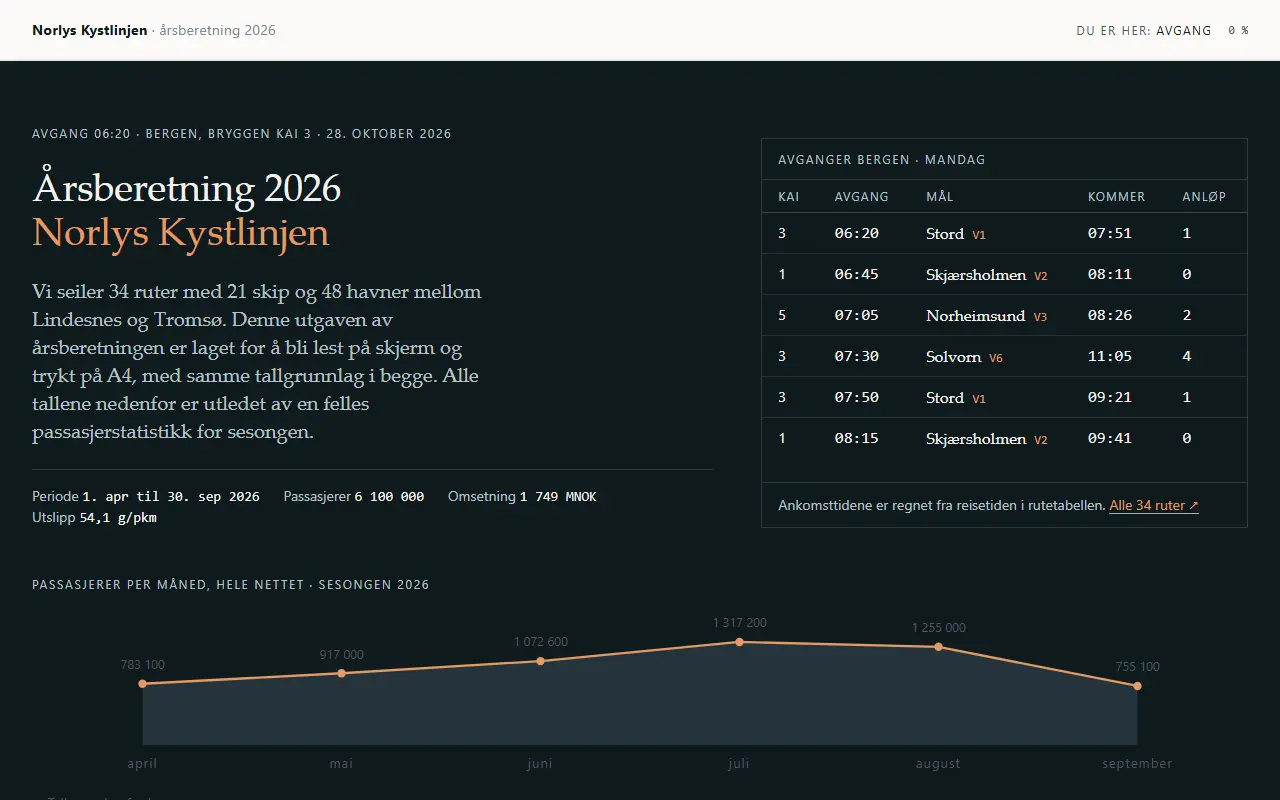
You are designing the public web edition of the FY2026 annual report of Norlys Kystlinjen, a fictional Norwegian coastal ferry and express boat operator with 34 routes, 21 ships and 6.1 million passengers a year. It will be read by journalists, investors, passengers and one very demanding board chair. It must look like a printed report that learned how to behave on a screen, not like a startup landing page that found a table.

Deliverable

A web edition you can open directly from disk in a desktop browser and in a phone browser. Decide the file and folder layout yourself.

Content you must invent and keep consistent

  • Six months of passenger counts per route (in a single inline JS data literal), total must equal 6.1 million and every derived figure on the page must follow from that data rather than contradicting it.
  • A fleet table: 21 ships with name, year built, length, capacity, fuel type, and a route assignment.
  • Financial summary: revenue, EBITDA, and CO2 per passenger kilometre, with two comparison years.
  • A letter from the CEO (about 320 words), a board statement, and a sustainability note with methodology footnotes.

Required sections, in an order you justify

  • Opening that is characteristic of the subject (a route, a crossing, a timetable, a coastline). A centred headline with a button is not acceptable.
  • Key figures at a glance, with one dominant number and supporting comparisons.
  • Interactive route map: an SVG coastline you draw, with clickable route arcs, hover states, and a legend. It must be recognisably a map, not a scatter of dots.
  • Fleet section with the table and, for at least three ships, a hand drawn SVG profile that shares one scale bar.
  • Financials: a chart set drawn in SVG by hand (bars, waterfall or bridge, and a line with a shaded band). Implement your own scales and tick selection.
  • Sustainability: emissions by fuel type plus a small multiples grid, with an honest note about what the numbers exclude.
  • The CEO letter, set as a proper reading experience: comfortable measure, no wider than about 70 characters, footnotes as real footnotes with back links.
  • Governance and board, as a compact directory that stays legible at 320 px. Present the sections in whatever order you can justify, and say why in the rationale.

Interaction requirements

  • Persistent navigation that shows which section you are in, works with keyboard, and does not fight the browser back button.
  • Reading progress that is meaningful, not decorative.
  • Cross highlighting between the route map, the route table and the charts: selecting a route must update every affected figure.
  • A filter for the fleet table (fuel type, plus sorting on any numeric column) implemented by you, no library.
  • Anchor links that land the heading clear of any sticky element.
  • Print stylesheet that produces a sane A4 document: no clipped charts, no orphaned headings, no background wash.

Design direction

Nordic editorial. Cool neutrals, a warm single accent, generous grid, restrained motion. Use only locally available font stacks: build a two or three family system from a serif, a grotesque and a mono, and declare your stacks in custom properties. State your type scale in one place and never deviate from it. Align to a baseline or spacing scale you actually define. Motion is for orientation only, and everything must degrade sensibly under prefers-reduced-motion.

Hard constraints

  • No console errors, no horizontal scroll below 1280 px, usable at 320 px.
  • Colour contrast at least 4.5:1 for body text and 3:1 for large text; state the pairs you checked.
  • Semantic landmarks, one h1 per page, headings in order, and every SVG chart paired with a real data table or an adequate text alternative.

Before you finish

Write a short design rationale of at most 300 words: the grid, the type system, the palette with hex values, and the three taste decisions you are most confident about and why. Then walk the acceptance list above and mark anything you did not achieve as NOT DONE with a reason. Never silently drop a requirement. You may consult any documentation you want and search the web with donsetch (search, fetch, crawl) whenever you are unsure about a CSS feature, an SVG attribute or browser support; cite nothing, just get it right.

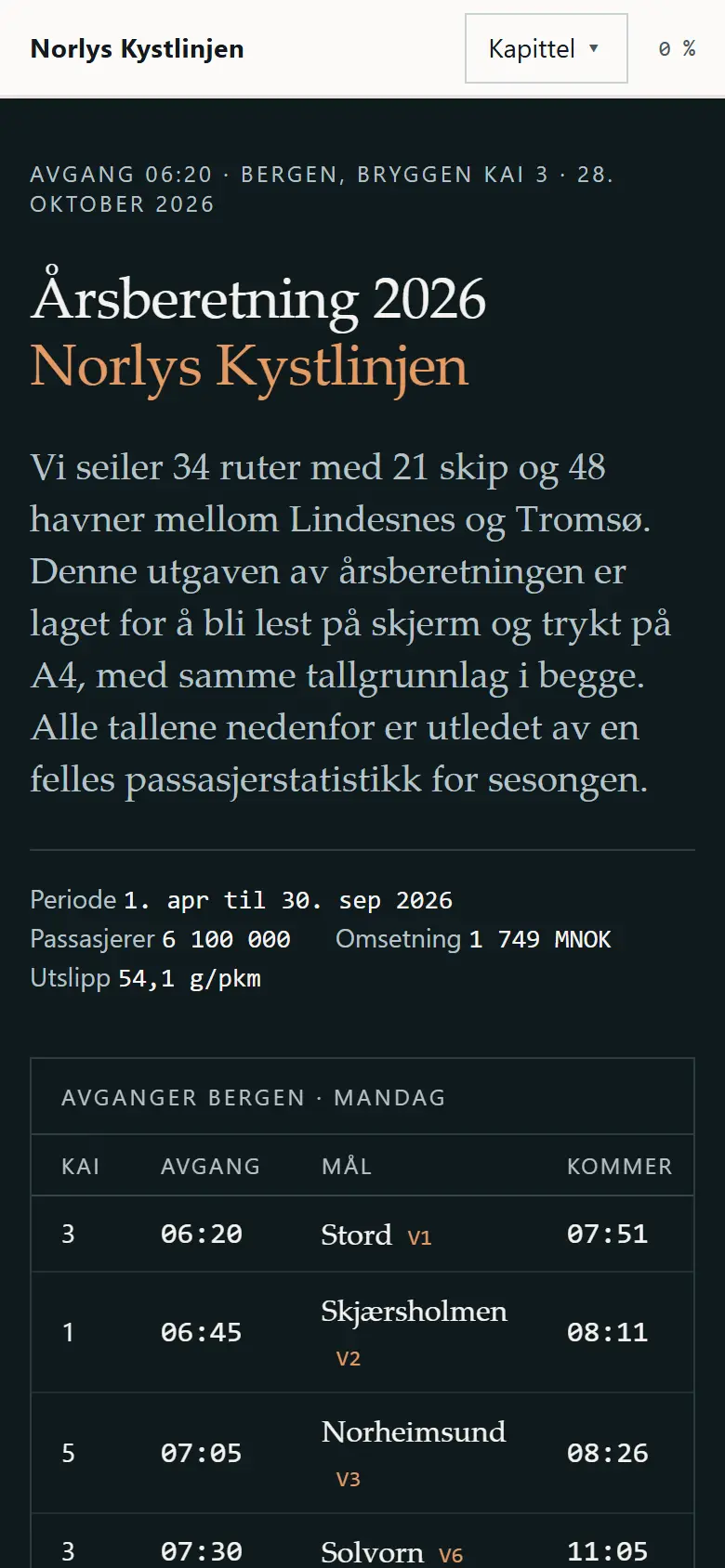
Årsberetning 2026 · Norlys Kystlinjen at 1280 px wide open the page desktop 1280 px
Årsberetning 2026 · Norlys Kystlinjen at 390 px wide open the page phone 390 px
193 KB 8 files console clean split files Årsberetning 2026 · Norlys Kystlinjen
files in this run
  • assets/css/01-tokens.css
  • assets/css/02-grunn.css
  • assets/css/03-oppsett.css
  • assets/css/04-skriv.css
  • assets/css/05-grafik.css
  • assets/css/06-komponent.css
  • assets/js/app.js
  • index.html
  • TASK.md
complex-02

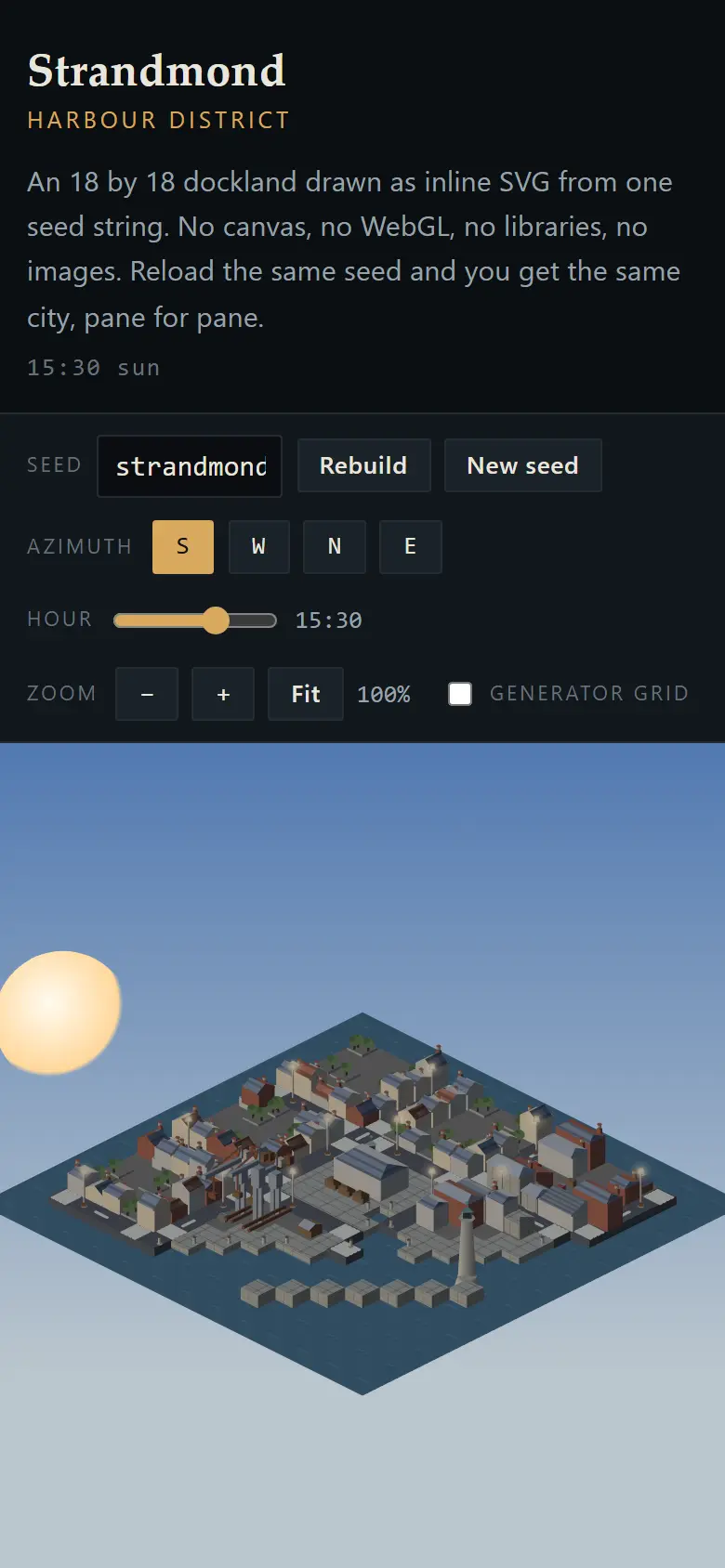
Isometric harbour city, generated in pure SVG

projection maths, deterministic generation, SVG performance, occlusion

full prompt

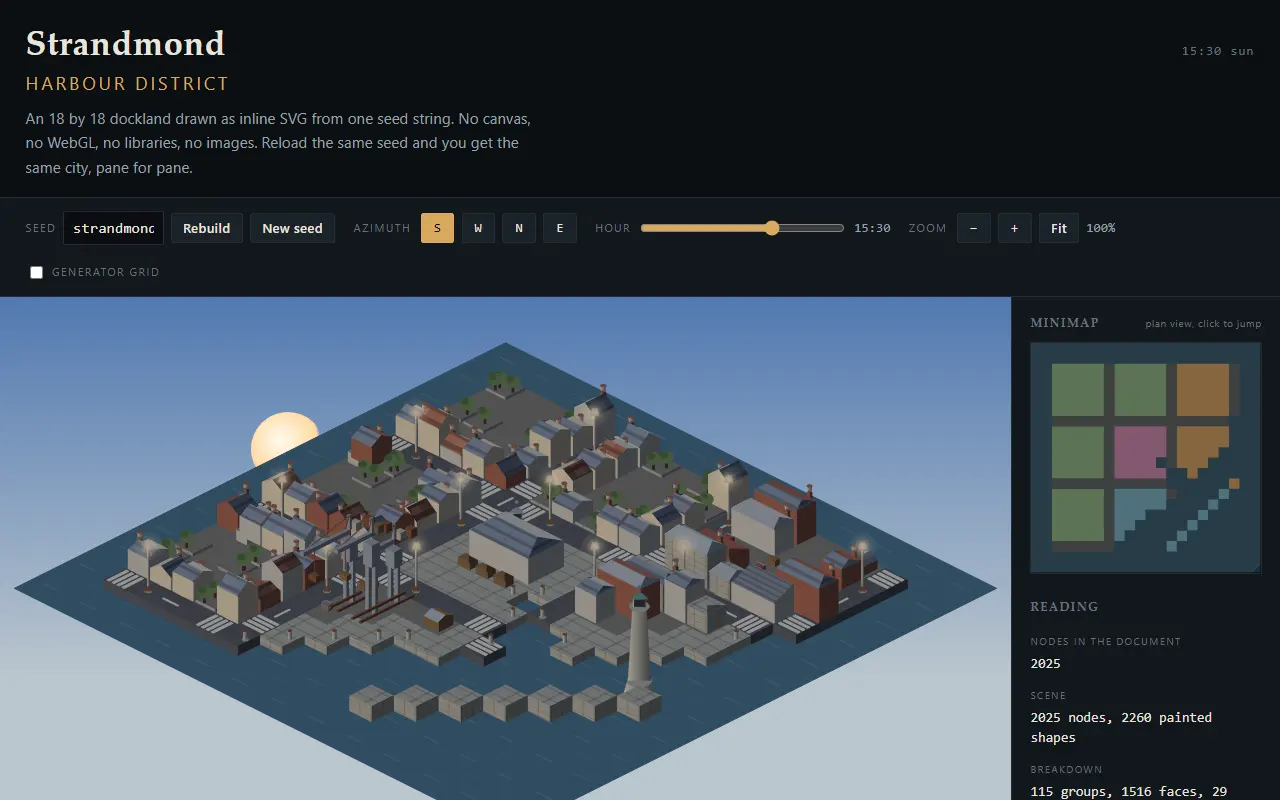
Build a generator that draws a fictional harbour district in isometric projection as inline SVG, with no canvas and no WebGL. The city must be reproducible from a seed string, which is the main correctness test: two runs with the same seed must produce a visually identical result. Decide the file layout yourself.

Geometry

  1. A true 2:1 isometric projection (world to screen written by you, documented in a comment with the derivation), where a unit cube draws as the classic hex silhouette with no seams between faces.
  2. A district grid of about 18 by 18 cells containing: quays and water, four block types (warehouses, terraced housing, a market hall, a crane yard), roads with zebra crossings, a shingle beach, and a breakwater carrying a lighthouse drawn once as a reusable <symbol>.
  3. Painter's algorithm depth sort that is actually correct: a tall building behind another must not draw over it, and rotating the camera through four azimuths must not break any occlusion.
  4. One light direction. Every face gets its value from the same rule, so the shading reads as one scene, and no face is a flat unlit grey.
  5. At most a handful of gradients, and only where light genuinely falls. Roof texture from SVG <pattern> and <defs>, not from hundreds of tiny rects.

Generation

  • A hand written PRNG (mulberry32, xorshift or your own) plus value noise or a small constraint pass for the block layout. No Math.random() anywhere, since it breaks determinism.
  • Seed in the URL hash so a view can be shared and reopened identically from disk.
  • Buildings composed from a small vocabulary of parametric parts (base, roof, chimney, dormer, sign, awning), with variation that stays plausible: roof pitch, window count and cornices driven by the seeded stream.

Interaction

  • Pan, zoom (from a favicon-scale overview to a single building close up, with detail that appears as you zoom rather than just bigger shapes), and rotate the azimuth with keyboard shortcuts.
  • Hover highlights a footprint and its outline; click opens a small dossier (name, year built, use, current occupant) drawn from generated data that stays consistent per seed.
  • A time of day control that moves the light direction, changes the sky ramp, and switches on window lights after dusk, with lights chosen from the seeded stream so they do not flicker.
  • A minimap that shows the viewport rectangle and is clickable to jump.
  • A toggle to reveal the underlying grid and generator cells, which is a quick check that the generation is real and not hand placed.

Performance and craft

  • Build the scene as one SVG document, reuse geometry through <use>, and keep total node count under about 4000 by measuring and reporting it.
  • Pan and zoom via a transform on one group so there is no layout thrash, and it stays fluid on a mid range 2024 laptop.
  • Nothing may be hardcoded per instance: if you write 200 similar path strings by hand, you have failed the generation part.

Before you finish, add a short How it works section that a stranger could follow: the projection formula, the depth sort rule, the seeded pipeline, and the node count you measured. Then mark each numbered item DONE or NOT DONE with reasons.

Use documentation and search the web with donsetch for SVG details you are not certain about, especially patternUnits, transform ordering, and how browsers sort <use> instances.

Strandmond Harbour District, generated in pure SVG at 1280 px wide open the page desktop 1280 px
Strandmond Harbour District, generated in pure SVG at 390 px wide open the page phone 390 px
127 KB 6 files console clean split files Strandmond Harbour District, generated i…
files in this run
  • css/city.css
  • index.html
  • js/app.js
  • js/generate.js
  • js/iso.js
  • js/random.js
  • TASK.md
complex-03

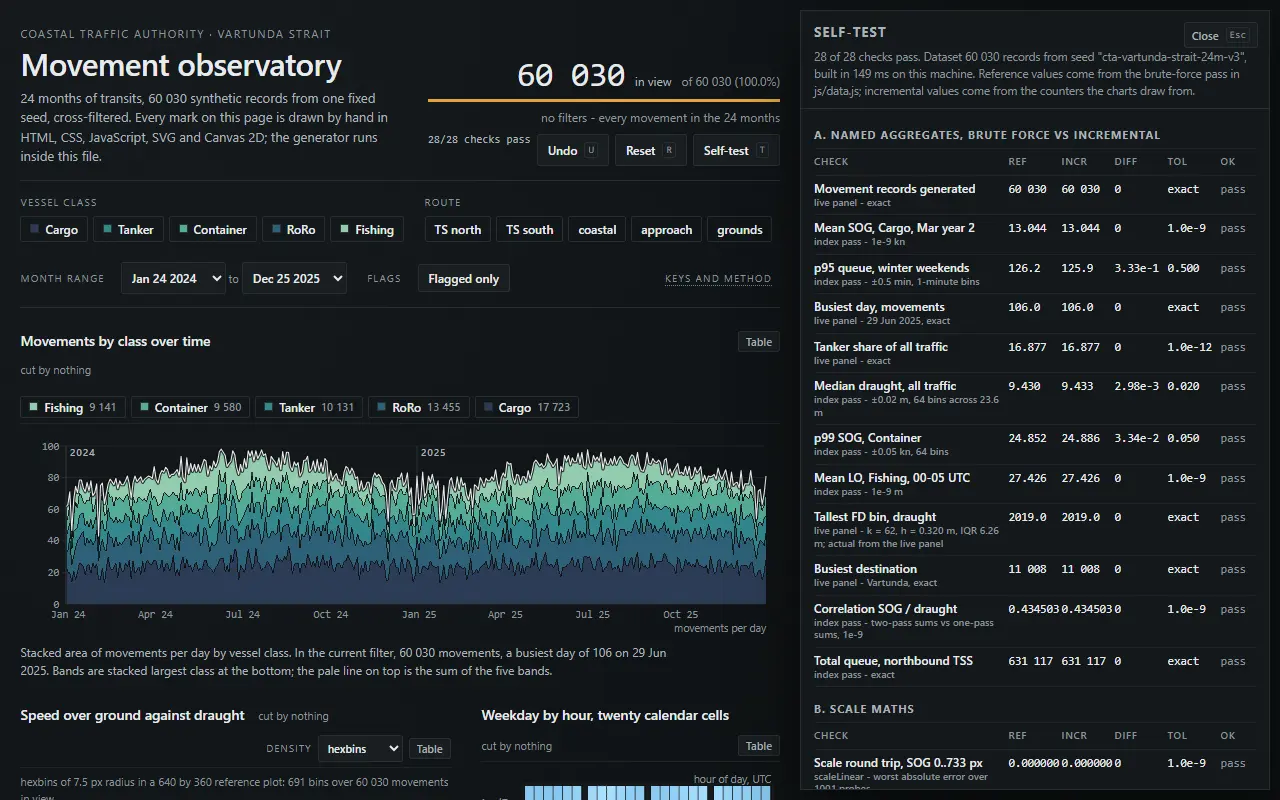
Cross-filtered observatory dashboard

hand built chart engine, scale maths, state management, correctness

full prompt

Build a data observatory for the fictional Coastal Traffic Authority, covering 24 months of vessel movements through a strait. Every chart, every scale, every tick, every tooltip is implemented by you in plain JS with SVG or Canvas 2D as your judgement decides. Remember that a fetch of a local file is blocked by browser policy, so the generator lives inside the page. File layout is yours.

Data

  1. A deterministic synthetic dataset of about 60000 movement records produced by a seeded generator: timestamp, vessel class (five classes), route, length overall, draught, speed over ground, destination port, and an anomaly flag. Vessel speed, class and draught must correlate in a physically sensible way, and the generator must contain no Math.random.
  2. A hidden reference block, computed by a straightforward brute force pass, holding the correct totals for 12 named aggregates (for example mean speed of cargo vessels in March of year two, and the 95th percentile of queue minutes on winter weekends).
  3. All aggregations for the charts must be computed incrementally so that cross-filtering stays fast, and the results must match the reference block to a stated tolerance. If they do not match, fix the code, not the reference.

Charts, all linked

  • A stacked area of movements by class over time, with your own nice-number tick algorithm, a legible order, and a total line that is provably the sum.
  • A scatter of speed against draught with density handling: hexbins or a grid count when points exceed 2000, so it never turns to soup. Include a click to brush a rectangular selection that filters everything else.
  • A small multiples grid of 5 by 4 sparkline calendar cells (weekday by hour) as a heatmap with a perceptually ordered scale you implement, not a rainbow.
  • A ranked bar chart of destinations with correct ties, and an other bucket that behaves properly when filters change.
  • A distribution panel (histogram or box violin, your call) whose bin count follows your own Sturges or Freedman-Diaconis rule, stated in the UI.
  • Every chart must have a table alternative available in the DOM, and a text summary that a screen reader can read as a sentence.

Interaction

  • Global filters (class, month range, route, anomaly only) with cross-filter semantics: filtering one chart dims the others rather than emptying them, and each panel states which filters touch it.
  • Tooltips that snap to the nearest data record, implemented with your own spatial lookup (a quadtree or grid index), not a linear scan of 60000 rows.
  • Keyboard access: tab to a chart, arrow keys through its marks, Enter to pin a filter, Escape to clear, plus a visible focus ring that is not the browser default.
  • All filter state serialised in the URL hash, so a view is shareable and reopenable from disk, and the back button behaves.
  • A reset that is undoable, and a live record count that never lies.

Performance and correctness

  • 60 fps while brushing on 20000 visible marks on a mid range laptop, measured and shown by a frame-time graph you draw yourself.
  • Incremental re-aggregation: changing one filter must not re-loop the whole dataset more than once.
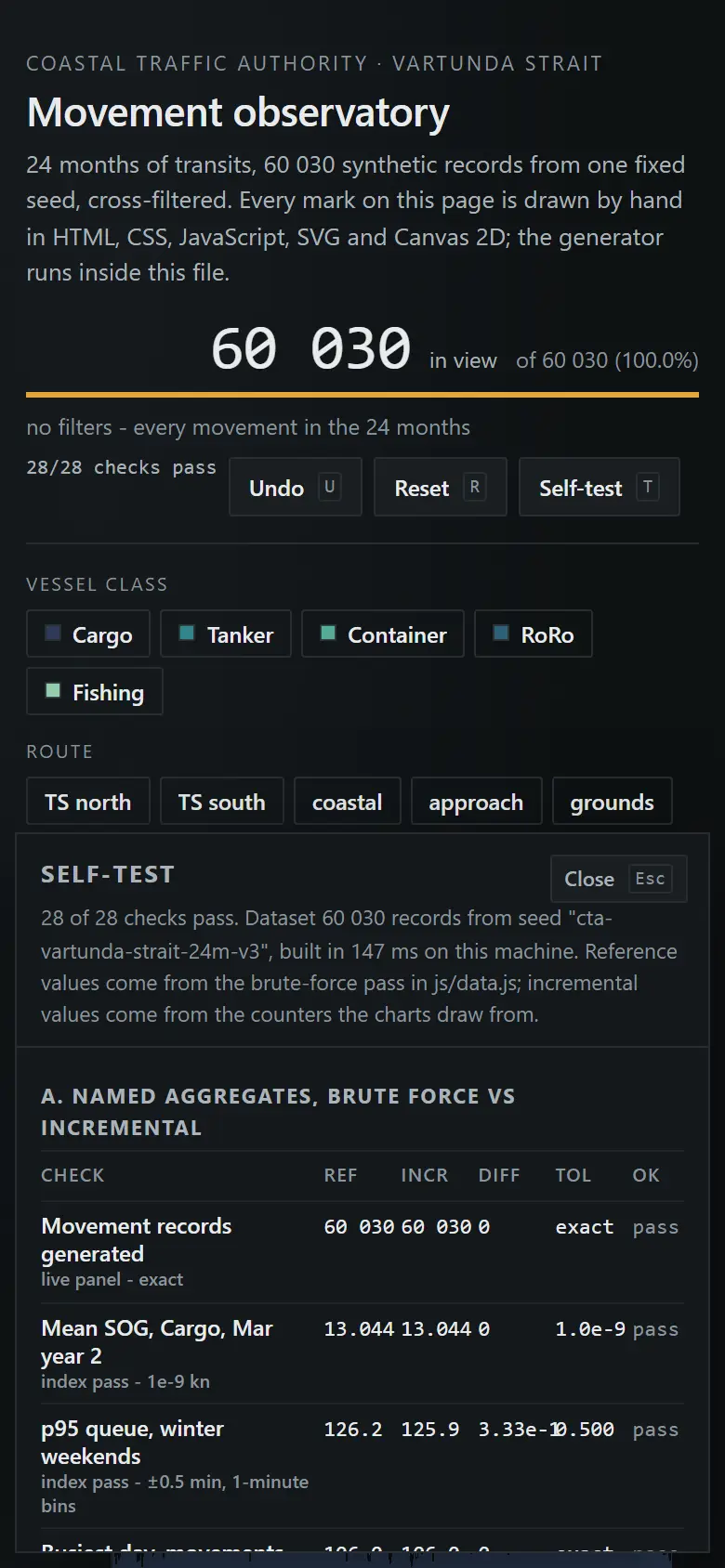
  • A self-test overlay that runs the 12 aggregate checks plus four scale-maths assertions (domain to range round trip, tick containment, bin coverage, sum identity) and reports pass or fail with numbers. This panel must be visible by default on first load, since it is the first thing I look at.

Design

The dashboard is judged as a design object too: a coherent neutral palette with one accent, tabular numerals, deliberate information hierarchy, no card borders on every panel, no gratuitous animation, and a layout that survives 1280, 1024 and 768 px. Assume an operator glances at it for eight hours a day.

Before you finish, write a Method section: the scale maths, the binning rule, the index structure, the re-aggregation strategy, plus the self-test results. Then mark every numbered requirement DONE or NOT DONE with reasons, and be explicit about anything you approximated.

Documentation and donsetch web search are expected, especially for Freedman-Diaconis, nice tick algorithms, perceptual colour order, canvas versus SVG trade-offs, and ARIA on charts.
Vartunda Strait movement observatory - Coastal Traffic Authority at 1280 px wide open the page desktop 1280 px
Vartunda Strait movement observatory - Coastal Traffic Authority at 390 px wide open the page phone 390 px
231 KB 13 files console clean split files Vartunda Strait movement observatory - C…
files in this run
  • css/dashboard.css
  • dev/check.js
  • index.html
  • js/agg.js
  • js/app.js
  • js/chartlib.js
  • js/charts.js
  • js/charts2.js
  • js/core.js
  • js/data.js
  • js/palette.js
  • js/selftest.js
  • js/spatial.js
  • METHOD.md
  • TASK.md